Try it yourself
See it the way your guest would.
The Charter App is the guest half of the system, and it is free in the stores. Install it, add the demo booking, and you are looking at a real vessel: inventory with photos, how-to, video briefing, check-in. No account, nothing collected about you, about a minute to install.

Three steps
Two minutes, one real vessel.
1
Install the app
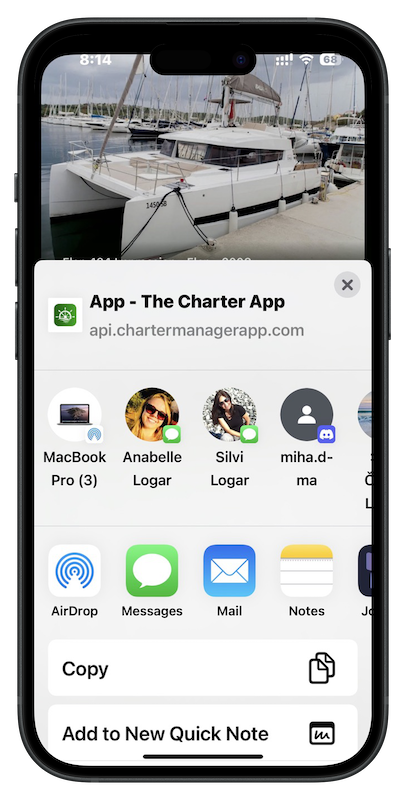
From the App Store, Google Play or Huawei AppGallery. About a minute. No login required.
2
Add the demo booking
Open the app, tap Add booking, scan the demo code you received or just click the smart link. A real vessel appears, the way a guest’s own booking would.
3
Do the check-in
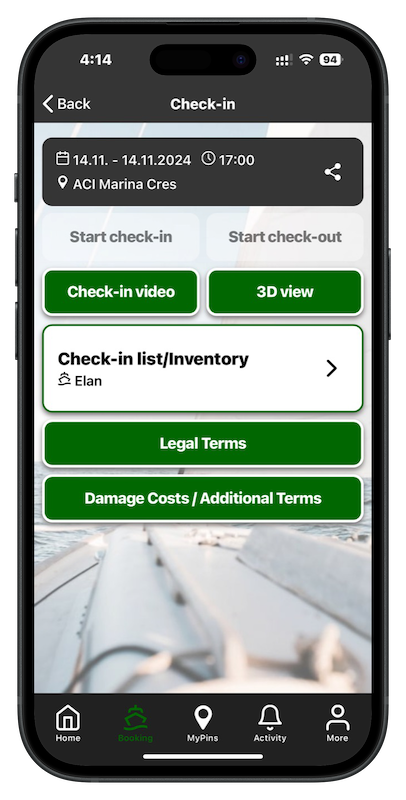
Open the inventory, mark an item as damaged with a photo, read a how-to, sign. Then imagine your Saturday with every guest arriving like this.
ASK FOR A DEMO BOOKING CODE
The code or link will be sent to you via email or sms text.
Get it on the same day!
What to look at
Four things worth opening while you try it.

The booking
Dates, marina, vessel, and everything the base has attached to it.

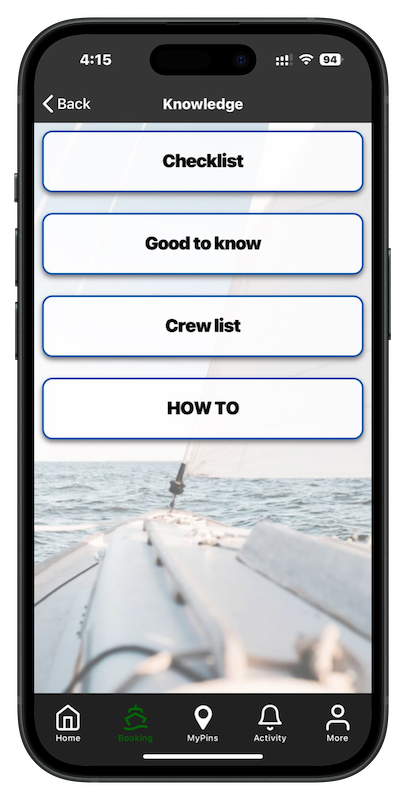
How-to
Where the switches are, how the black-water valve works. The questions that used to be phone calls.

Pre-loaded video briefings
The vessel walkthrough that guests watch before or at arrival, so the briefing at the base is about what matters.
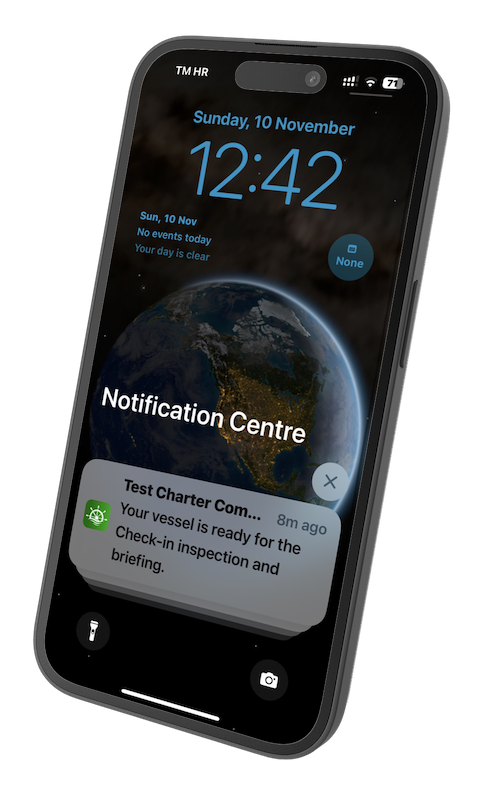
Notifications
Your vessel is ready. Please come to the office. Weather warning. From the base to one guest or to all.
OTHER FEATURES
For charter benefits.

Give it a try.
It takes less than a minute. Then ask for booking to open the features.