
Charter Manager App for the base
Your crew runs the base from one board.
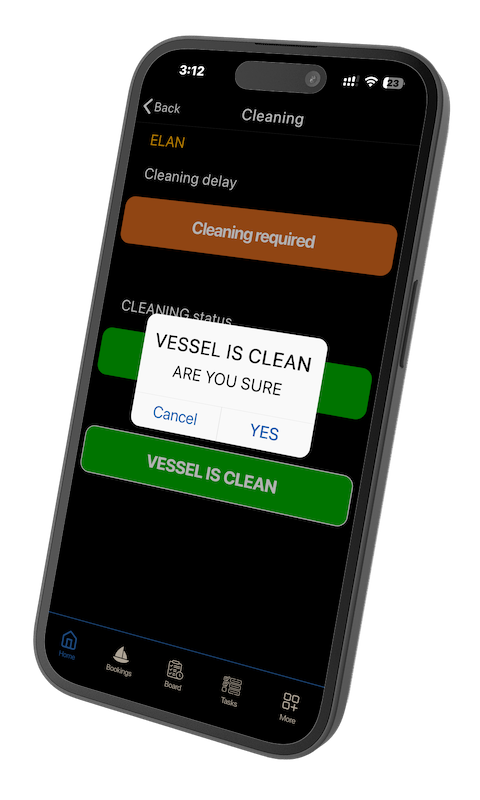
Is the vessel clean? Is it fixed? Is the gas checked? Has the guest arrived? On Saturday those are phone calls that cannot be answered by someone with a hose or a spanner in their hands. On the board they are one tap each, and everybody sees the answer at the same moment. Fleets running it tell us they cut about 90% of those calls.

The traffic light
Red, orange, green. That is the whole system.
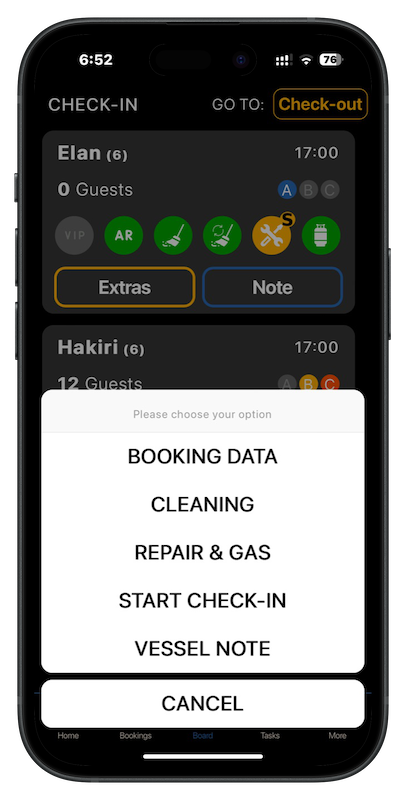
Clients named it the traffic light, and that is what it is: one colour per job per vessel, readable across a marina on a bright day. Three colours, five icons, one tap. Everything declared, everything known, everything recorded.
Why it looks like this
Big buttons for big fingers.
Crew have sweaty hands, a hot crowded Saturday and a phone they cannot afford to drop. So every screen has just main buttons, one to press, all screen-sized, and the state of every vessel is a color. We stripped things out so the base wouldn’t need it.


Tasks and work orders
Check-out damage becomes a work order by itself.
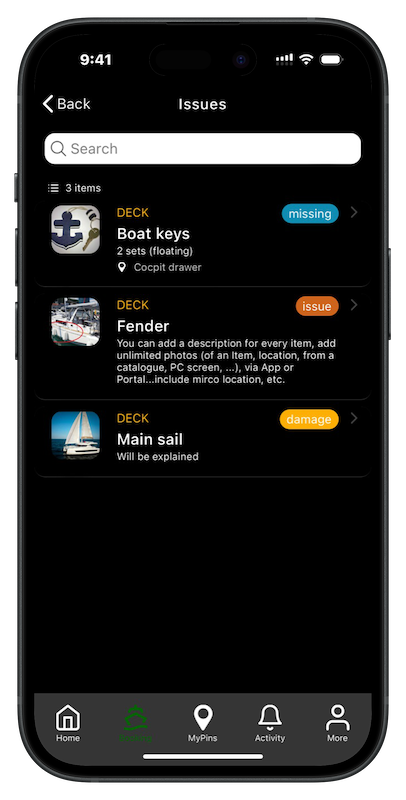
Anything marked at check-out, damage, missing, issue, turns into a task on the vessel with the photo attached. The office adds the rest: engine service, pipe check, seal engine. Tasks by vessel, by category, with items used from inventory, started and finished, with history.
Check-in and check-out, from the base side
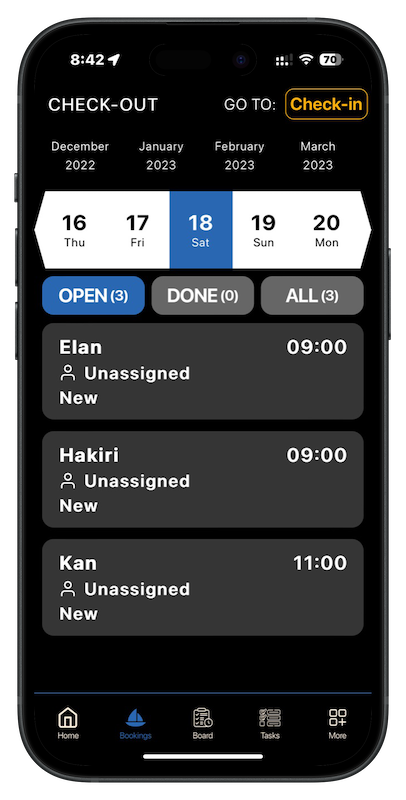
Thirty minutes less per vessel, and a signed PDF on the reservation in pocket.
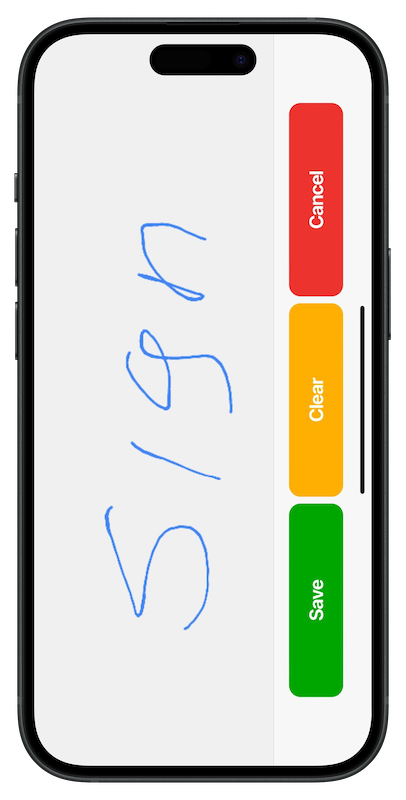
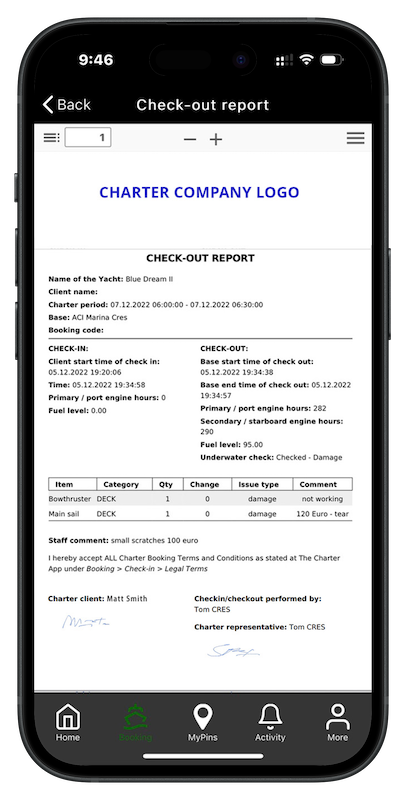
The guest inspects the vessel on their own before the briefing, marking any item as an issue, damage, missing or help, with a photo. The base sees the comments before walking over, so the briefing is about what matters. Terms accepted and signed on the phone; the PDF goes to the guest and to the reservation in the portal, with the time of every step: guest started, guest finished, briefing started, briefing done. No need to check vessels or search for guests; get a notification and a timestamp to know the wait time.
✓ Check-out damage photographed, noted and archived to the reservation
✓ History of every check-in and check-out, per vessel, searchable

The portal, for the office
Everything the base does, on the office screen.
✓ Every check-in and check-out as a PDF on the reservation, with the timeline
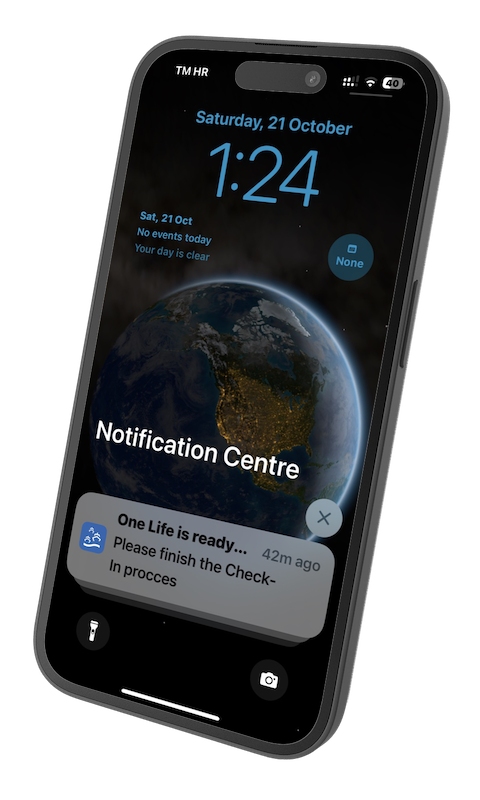
✓ Notifications to one vessel, one base or every guest at once: weather, check-out time, come to the office
✓ Tasks, inventory and wintering across bases, for fleet managers
✓ Analytics and statistics, Excel import and export, users and bases
Learn it in hours not days
No course. Onboarding, videos and one Saturday.
The base app has at most three buttons on a screen. Crews learn it on the job in one turnaround day; the video school covers the rest in short clips. Setup, training and support are included in the Full plan, at 10 euro per vessel per month.